

Where guest checkout applies
Turn on guest checkout for a product
1
Open the product
Go to Payments → Products and open the product, or select + Create.
2
Turn on the setting
In Advanced, turn on Allow users to checkout as guest. The builder confirms that users won’t need to sign in to purchase this product.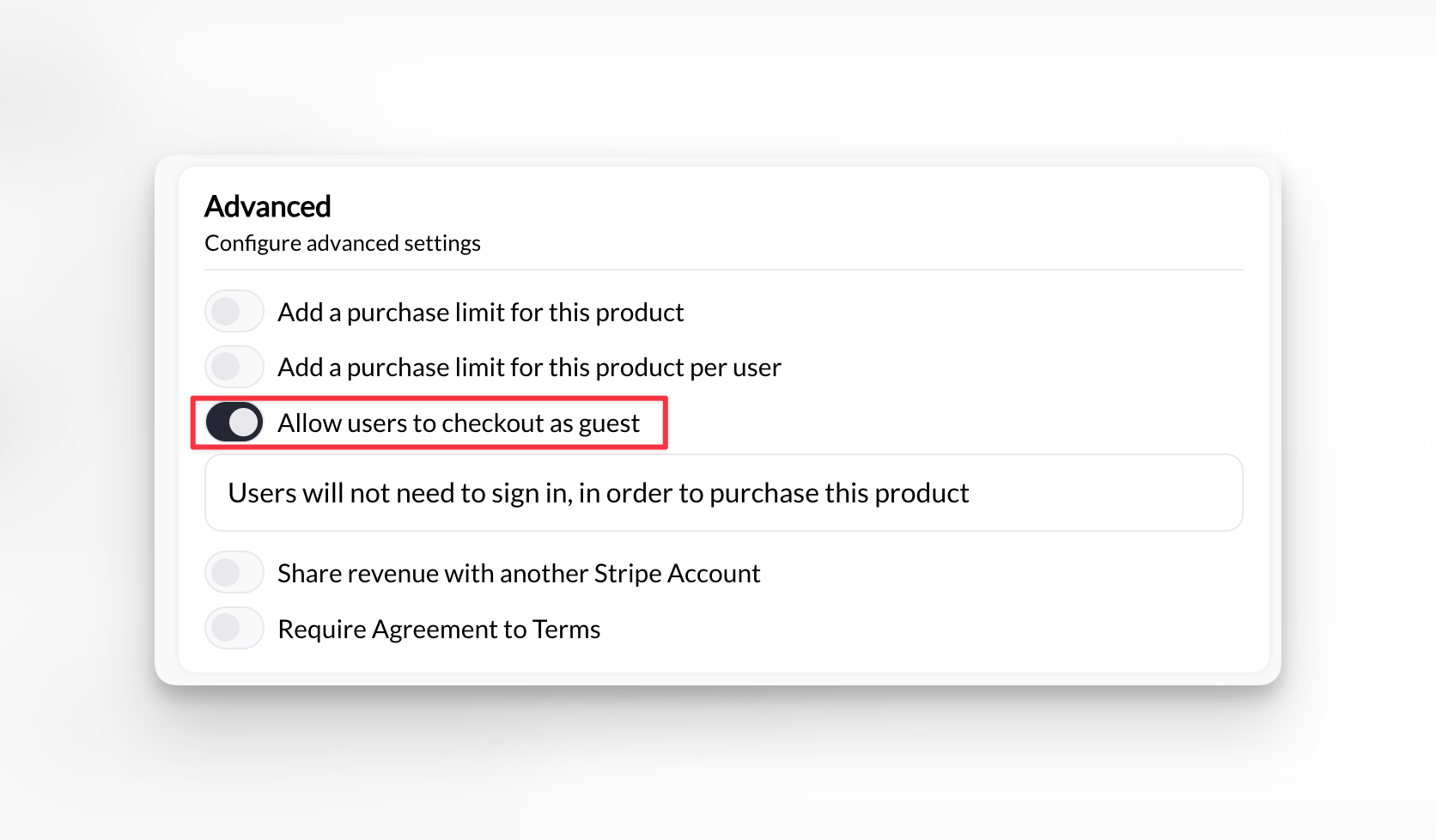
3
Save the product
- The product’s purchase is for a Managed Athlete. The parent signs in so they can choose which child they’re registering.
- A subscription requires a registration form under Advanced → Add a form. The buyer is asked to sign in or sign up. A one-time product with a registration form can still use guest checkout.
Turn on guest booking for a free scheduler
Use this for a free intro call, evaluation, or trial session. Open the scheduler under Scheduling → Schedulers, turn on its guest checkout setting, and save. Anyone with the scheduler’s link can then book without signing in. The scheduler setting only affects free sessions. A paid session follows the product’s setting, and a credit session always requires sign-in.What the guest enters
- Name and email
- Payment details, for a paid purchase
- Answers to any form connected to the product or scheduler
What you see
- The purchase appears in Payments → Transactions like any other.
- A guest booking appears on your calendar with the guest’s name, so you can check in, move, or cancel it as usual.
- CoachIQ keeps a profile under the email the guest used, so later purchases and bookings stay together.
When to use it
Good fits- Free intro calls, evaluations, and trial sessions
- Paid drop-ins and one-off clinics bought from a link or ad
- Event and camp registrations
- Merchandise or one-time fees
- Credit packages and memberships: families need to sign in to book with credits and manage their membership.
- Program access: content is viewed in the signed-in app.
- Team or family registrations where you need to know which child is attending. Use Managed Athlete instead.