

Where athletes find this: Athlete Portal → Profile Menu → Billing
Enabling self-service cancellation
Before athletes can cancel directly, you need to enable this option for the subscription product.1
Navigate to your subscription product
From your dashboard, go to Payments → Products and select the subscription product you want to configure.
2
Enable the cancellation option
Scroll to the subscription settings and toggle ON the Allow users to cancel option.Save your changes.
How athletes cancel their subscription
Athletes with an active paid membership will always see a cancel option in the Billing section of their portal. What happens when they tap it depends on your product settings.1
Open the profile menu
The athlete clicks their profile picture or initials in the top right corner of the portal.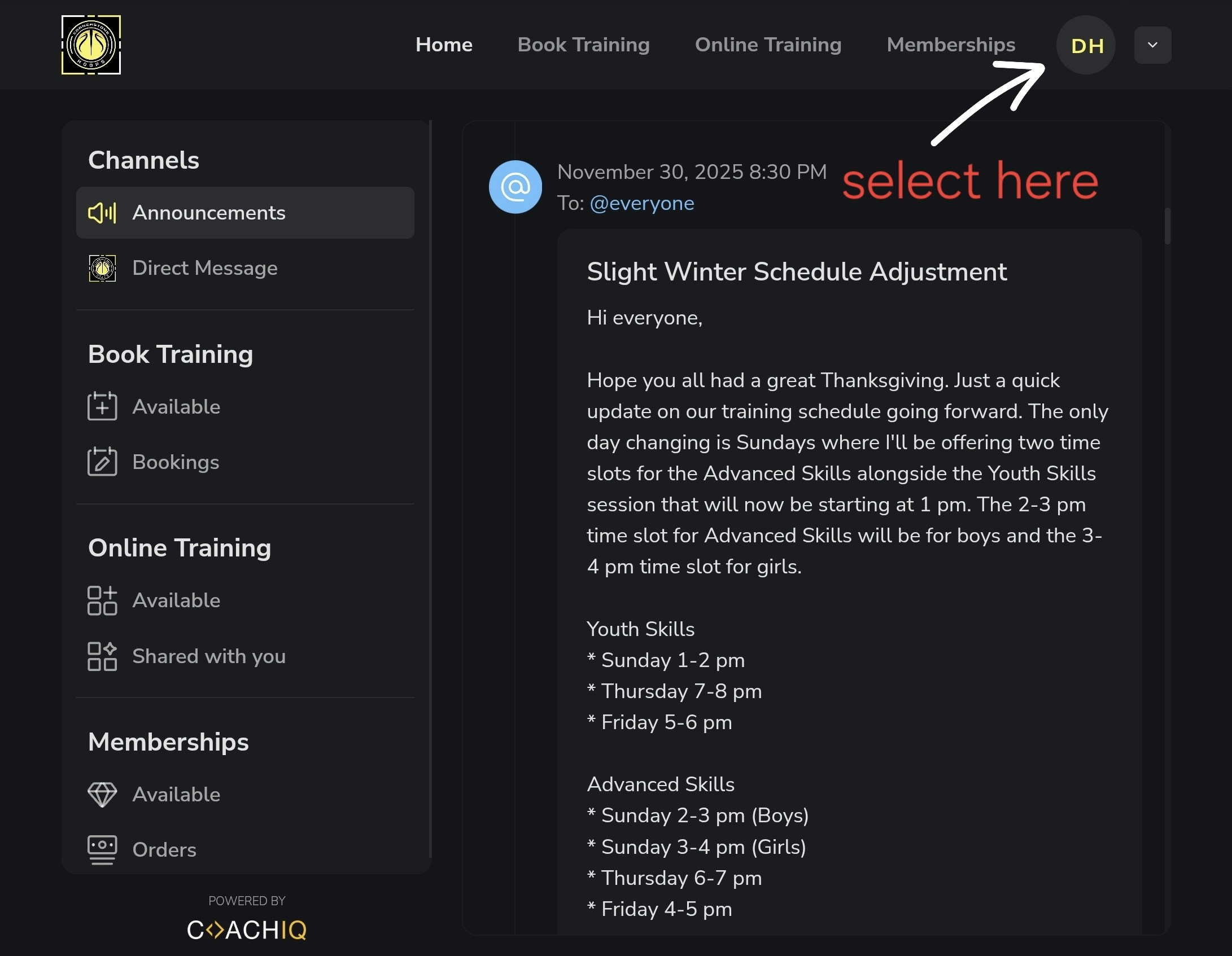
2
Navigate to Billing
Select Billing from the sidebar menu. Active subscriptions are listed here.
3
Select the cancel option
The athlete will always see a cancel option next to their subscription. What happens next depends on your settings:
Data deletion requests (iOS app)
If you receive a message saying an athlete wants to delete their data, this is separate from subscription cancellation. Apple requires all iOS apps to provide users with a way to request account and data deletion. Athletes find this button in Settings inside the CoachIQ iOS app. Tapping it sends a deletion request — it does not cancel a subscription or affect billing. If you receive a data deletion request, contact the CoachIQ team to process it.Common questions
What happens when an athlete cancels?
What happens when an athlete cancels?
The subscription remains active until the end of the current billing period. The athlete retains access until then and won’t be charged again.
Will I be notified when an athlete cancels?
Will I be notified when an athlete cancels?
Yes. When an athlete cancels directly, you’ll receive a notification through CoachIQ. When cancellation is disabled, you’ll receive their cancellation request message instead.
Can athletes resubscribe after canceling?
Can athletes resubscribe after canceling?
Yes, athletes can purchase a new subscription at any time through your products page or their portal.
What if I want to require approval before cancellations?
What if I want to require approval before cancellations?
Toggle OFF the Allow users to cancel setting for that product. Athletes will still see the cancel option, but it will direct them to send you a cancellation request message instead of canceling automatically.