

What are website sections?
Website sections are the customizable building blocks that make up the main content area of your CoachIQ website. They sit between your header and footer, allowing you to organize and present your coaching content exactly how you want it.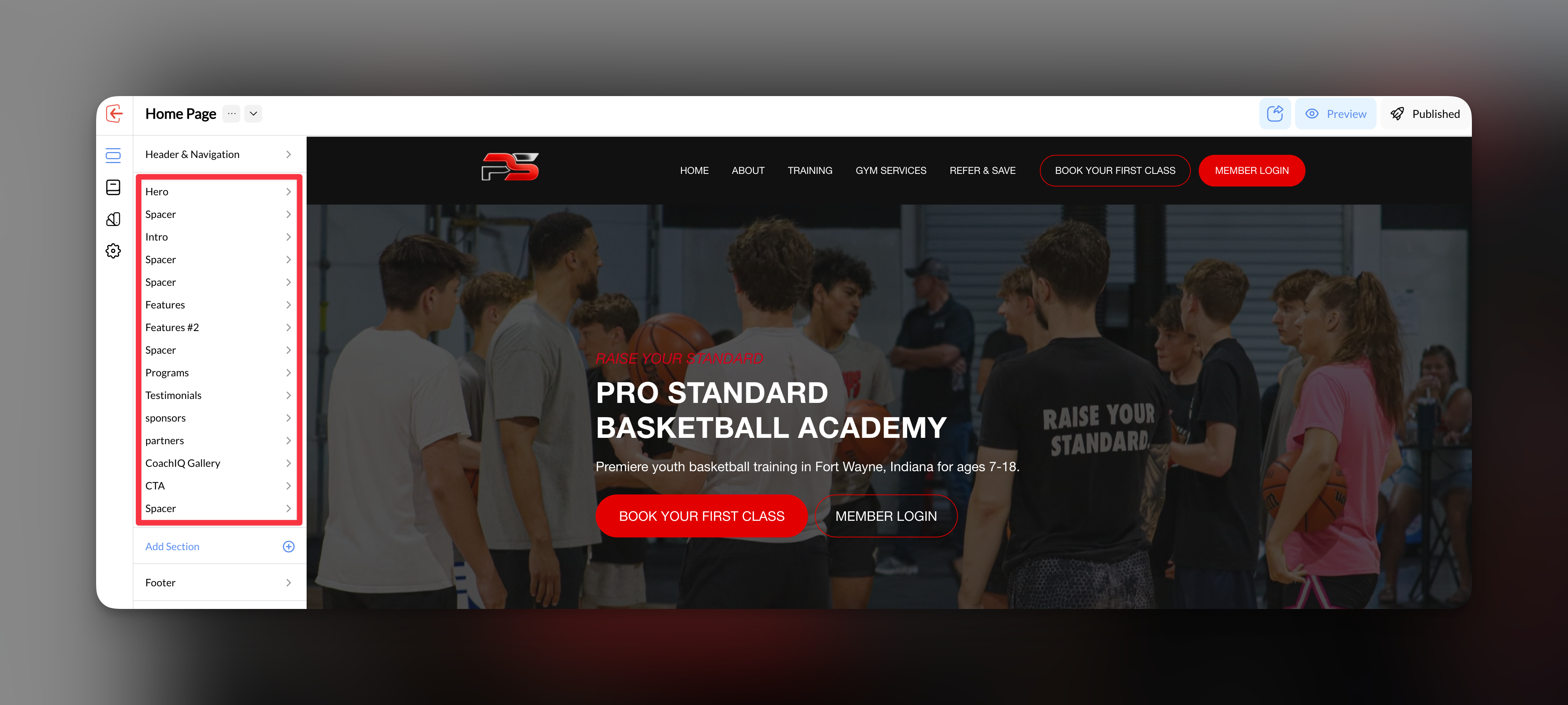
Each section serves a specific purpose - from showcasing your training programs to collecting leads through contact forms. You can add, reorder, and customize sections to create the perfect layout for your sports coaching business.
Section management essentials
CoachIQ’s Website Builder provides three core areas for managing your website sections effectively:Working with Sections
Master the fundamentals: add new sections, reorder them for optimal flow, hide sections temporarily, and remove sections you no longer need.
Backgrounds & Styling
Transform your sections visually with background colors, images, spacing controls, width settings, and professional styling options.
Buttons & CTAs
Create compelling call-to-actions within your sections to guide visitors toward booking sessions, joining programs, or contacting your business.
Why section management matters
Proper section organization directly impacts your coaching website’s effectiveness:- User Experience: Well-structured sections guide visitors naturally toward booking sessions
- Conversion Optimization: Strategic placement of forms and CTAs increases lead generation
- Professional Appearance: Consistent styling across sections builds trust with potential clients
- Mobile Performance: Properly configured sections ensure your site looks great on all devices
Getting started with sections
Plan your page structure
Before adding sections, sketch out your ideal page flow. Consider what action you want visitors to take first, second, and third.
Add your core sections
Start with essential sections like Hero (introduction), About/Services, and Contact/Booking sections.
Customize and style
Use the backgrounds and styling options to match your coaching brand and create visual consistency.